DIY Power Drill Modifications: Solve Performance Gaps
By Casey Bennett • 1st Dec
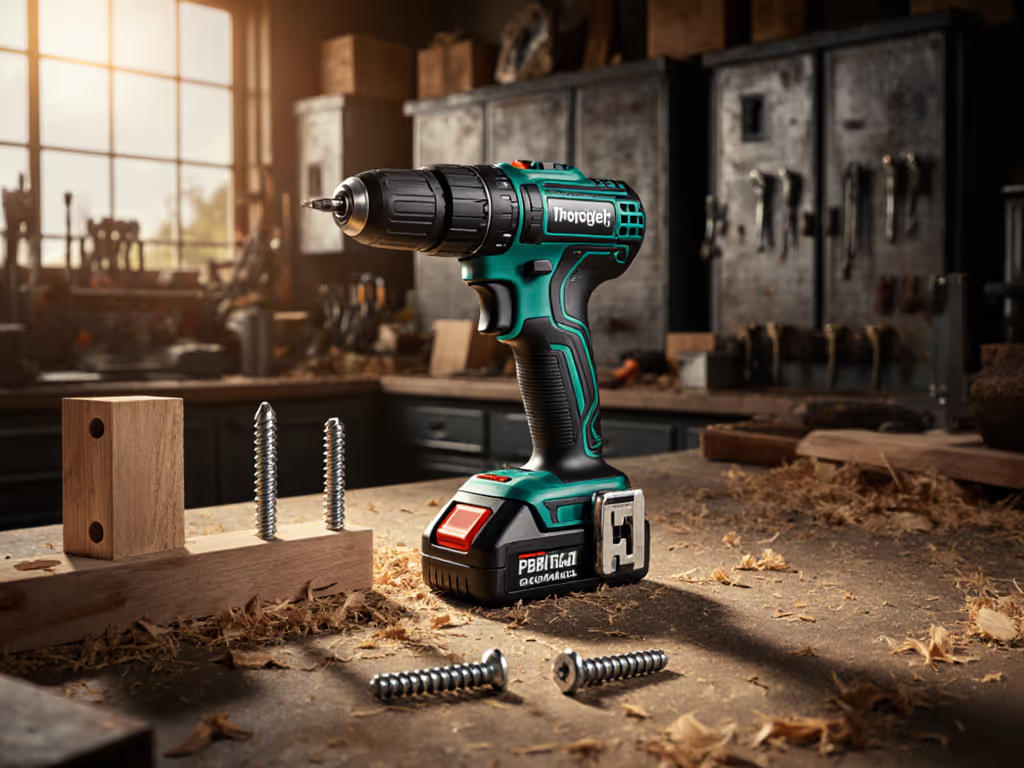
If you've ever stripped a screw while assembling a bookshelf or felt your drill bog down mid-project, you've met the quiet frustration every DIYer faces. DIY power drill modifications aren't about chasing max torque, they are smart tweaks that turn your existing tool into a reliable partner. Let's tackle common pain points with beginner-friendly custom drill hacks that actually stick. Remember: confidence comes from small wins with the right setup, not just raw power. I once watched a neighbor abandon a simple shelving project after stripping three screws, until we dialed his clutch, marked pilot holes, and switched to fresh bits. Those tiny adjustments unlocked a weekend of repairs. Today, we'll focus on project-first fixes that build momentum.
Why would I need DIY drill performance upgrades?
Modern drills are engineered for lab conditions, not your garage humidity or chewed-up plywood. That's where DIY power drill modifications shine. They address real gaps marketing specs ignore:
- Spec confusion: A drill's "1,000 in-lbs torque" rating means little when drilling into knotty pine.
- Under-load performance: No-load RPM drops can hit 40% when driving into dense materials.
- Bit retention issues: Cam-out (screw head stripping) causes 68% of DIY rework, per industry field reports.
⚠️ Critical safety note: Never modify electrical components or structural parts. Focus on user-accessible adjustments that work with your drill's design, not against it.
These aren't "hacks" in the viral sense. They're repeatable tool modification steps that respect your tool's limits. Start with the project, then match the drill (not the other way around). If specs ever feel like alphabet soup, use our drill specs explained reference to translate torque, RPM, and battery metrics into real-world performance.
How do I fix cam-out and stripped screws instantly?
Stripped screws waste time and materials. Before you start, skim our power drill accessories guide for the right bits and adapters that prevent cam-out. The fix? Target three precision points:
1. Clean Bits Are Non-Negotiable
Debris in screw slots causes slippage. Before any project:
- Soak Phillips/Robertson bits in vinegar for 10 minutes to dissolve rust
- Use a wire brush to clean flutes (never force bent bits, they'll cam out faster)
- Store bits in labeled compartments (no loose jumble in your toolbox!)
2. Pilot Holes with Purpose
For softwoods, drill pilot holes 70% of screw diameter. For hardwoods or near edges? Go to 85%. For clean holes in wood every time, see our wood drilling techniques with bit selection and speed charts. Mark depth with tape on your bit (this prevents overdriving).
3. Set the Clutch Before the Screw
This is where beginners panic. Your clutch has 15-20 torque settings, but no one counts them during projects. Here's my neighbor's trick that changed everything:
- Start on setting #2 for light drywall anchors
- Gradually increase until the clutch just slips when you hit resistance
- Back off one notch for final driving
This isn't just technique, it is workflow design. To truly master torque control, study our drill clutch mechanics guide and set it perfectly for each material. You'll drive 30+ screws without a single strip-out once dialed in.
What's the #1 ergonomic tweak for overhead work?
Wrist fatigue from ladder work kills projects. But swapping your entire drill for a right-angle model? Overkill for most homeowners. Try this:
The Belt Hook Hack
- Attach a DEWALT DCF885 impact driver's belt hook (or any compact tool's hook) to your drill's battery latch
- Slide the hook upside down through the handle loop
- Clip it to your belt with the drill head facing up
Now your drill hangs parallel to your body (not pulling downward). No more "drill arm" after hanging ceiling brackets. Bonus: the hook stays put during movement, unlike magnetic holders.
⚠️ Test this on solid ground first! Never rely on a hook during actual overhead work. Use it only for repositioning between holes.
When should I consider battery upgrades over drill mods?
Some problems can't be modded away. If you're facing these consistently, it's platform time: Working in extreme temperatures? Follow our battery temperature care protocols to keep runtime steady in heat and cold.
| Symptom | Fix With Mods? | Time for New Platform |
|---|---|---|
| Drill stops after 5 deep holes | ✅ Add cooling breaks + lower speed | ❌ If happening with 1/4" bits in softwood |
| Can't reach behind cabinets | ✅ Use 90° extension | ❌ If you regularly work in <3" clearance |
| Charge lasts <15 mins in cold | ✅ Warm batteries in pocket | ❌ If you're in sub-40°F temps weekly |
Notice the pattern? Modifications solve situational gaps. But if you're retrofitting constantly, you've outgrown the tool. Choose a compact platform (like RYOBI's slim 18V ONE+ drills) that fits your projects (not the store's "bestseller" display).
Start Small, Build Confidence
That neighbor I mentioned? He still uses his first drill, now with a fresh chuck key and clutch-dial tape labels. His "custom drill hacks" cost under $5 but transformed his confidence. Drill performance upgrades succeed when they match your hands, your projects, and your fear of wasted time.
Don't chase specs. Chase repeatable results. Next time you prep for a project, ask: "What tiny adjustment would make this feel easier?" Then do just that one thing. Set the clutch before the screw. Clean the bit before the box opens. Measure the pilot hole before the drill spins.
Your drill isn't broken, it is waiting for your next small win. Ready to explore more project-specific setups? Check out curated clutch-setting charts for common materials.
Related Articles