EMI Control While Drilling: Protect Your Circuits
By Marco Silva • 23rd Mar
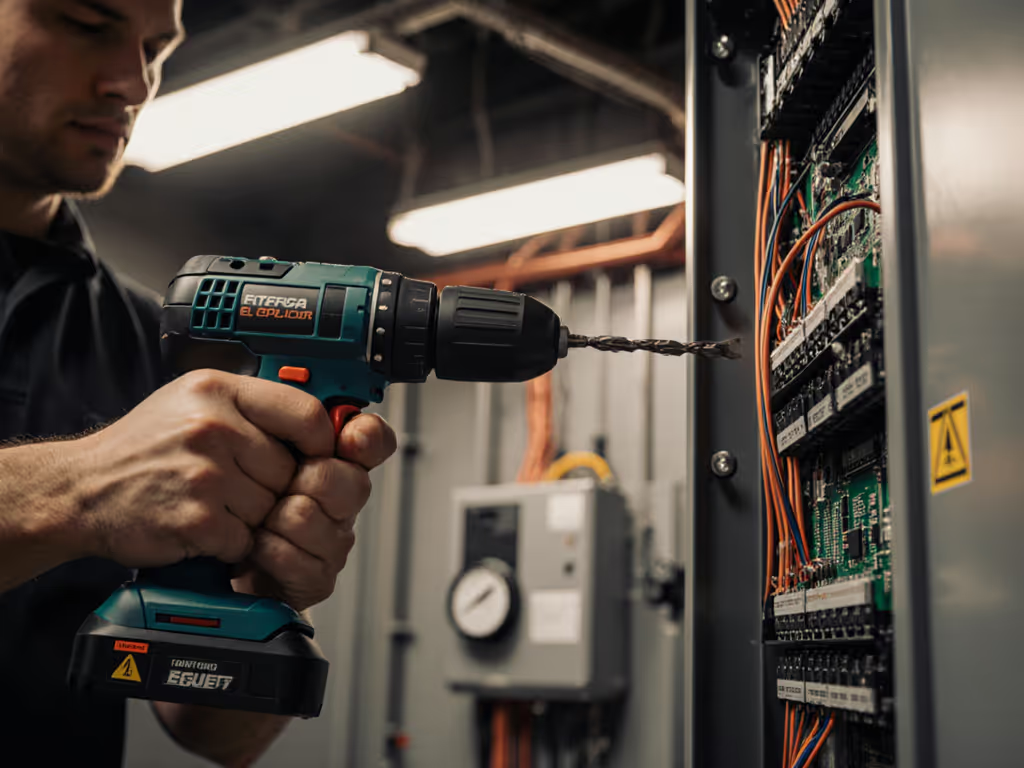
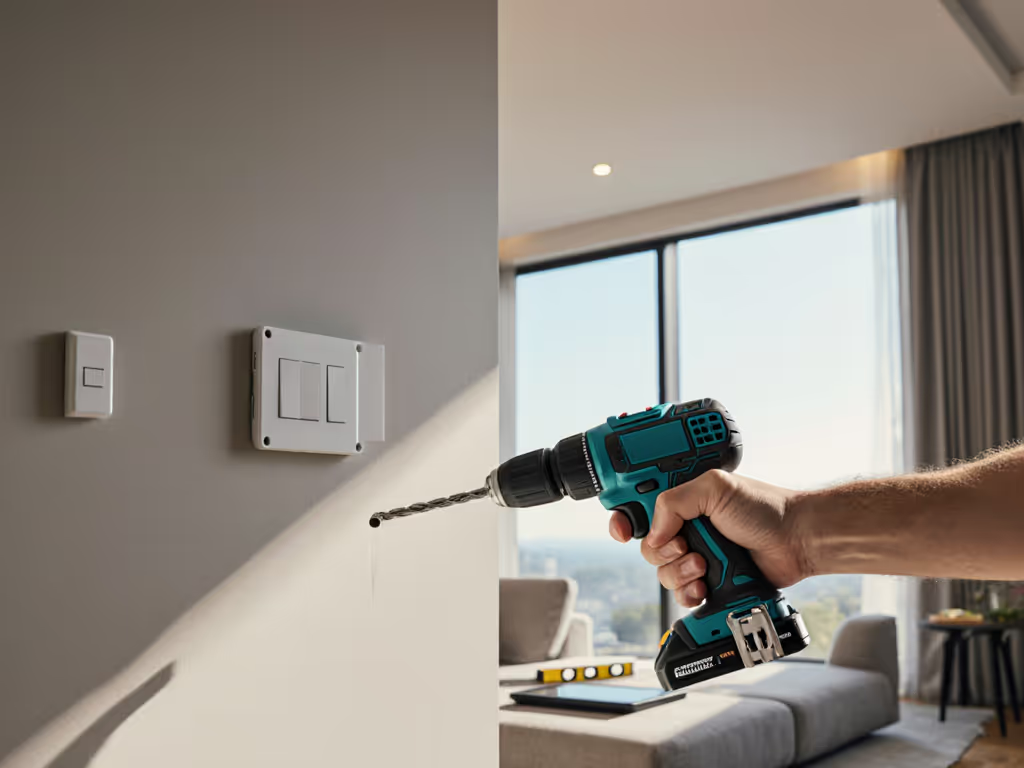
Electromagnetic interference (EMI) drilling doesn't mean drilling with EMI, it means drilling without letting EMI destroy what you're working near. For anyone drilling through walls that carry live wiring, near control panels, audio equipment, or sensitive electronics, understanding EMI drill techniques separates clean, confident work from costly damage and safety risks. Before you drill near live wiring or electronics, review our power drill safety guidelines for PPE and hazard checks.
What Is EMI, and Why Should You Care When Drilling?
What exactly happens when you drill near electronics?
Electromagnetic interference is an unwanted electrical signal that disrupts devices, sensors, and circuits. When a drill motor runs, it generates high-frequency noise, particularly brush-type drills, which create sparking patterns that radiate across a wide frequency spectrum. This noise couples into nearby wiring and control systems, especially if you're drilling within a few feet of data cables, alarm wiring, security systems, or low-voltage circuits.
The risk isn't just to expensive equipment; it's to your reputation and safety. A contractor who silently corrupts a building's fire-alarm calibration or smart-home network learns this lesson hard. DIYers retrofitting a home theater or installing network cabling face the same exposure (and one careless drill session near an unshielded cable run can introduce noise that manifests as intermittent failures weeks later).
Why Brushless Drills Aren't Immunity (They're Just Better)
Does a brushless drill eliminate EMI risk?
Brushless drills produce less EMI than brush-type equivalents because they don't generate mechanical sparking. However, "less" is not "none." The electronic commutation logic in brushless motors still switches current at high frequency, and that switching radiates energy. The practical advantage is that brushless drills give you better control, lower speed ranges, smoother torque delivery, and programmable ramp-up, which lets you approach sensitive work more deliberately. This is where setup thinking wins over raw specs: a brushless drill at half speed, properly held with side-handle support and a reversible clutch, lets you work with intention rather than hope.
Balance over bravado (a controlled, compact setup near electronics beats a powerful drill wielded carelessly every time).
How Do You Actually Protect Circuits While Drilling?
What's the practical game plan?
EMI mitigation in drilling follows a hierarchy of control, much like the well-established approaches used in instrumentation environments:
Step 1: Know What You're Drilling Near
Before the bit touches anything, identify the hazard. Walk the path with a voltage detector. Look for conduit runs, control boxes, and low-voltage lines. If you're drilling within 2 to 3 feet of known live circuits or data runs, treat the zone as EMI-sensitive. This is the equivalent of stress-testing your setup before committing (it costs nothing and prevents panic).
Step 2: Distance Is Your First Defense
Electromagnetic coupling strength drops sharply with distance. If you can route your hole path more than 3 feet from active circuits or sensitive cables, do it. When that's impossible (for example, drilling for a fixture in a finished wall with hidden wiring), spacing becomes a puzzle to solve with layout and measurement, not speed. Speed under EMI pressure is how mistakes happen and fatigue builds.
Step 3: Shield and Ground Cables
If you're working in an environment where cables or control lines are exposed, temporary shielding matters. Grounded metal conduit or cable shielding reduces radiated coupling. The principle is simple: an EMI source's effect is minimized when you provide a low-impedance path to ground. For DIYers, this might mean using grounded temporary metal shielding, or asking the electrician to verify that control-circuit shielding is in place and properly terminated.
Step 4: Choose Lower Speeds and Short Bursts
A drill running at half speed radiates less total energy and is easier to control. Short, deliberate drilling passes (especially with a side handle for stability) let you stop instantly if you encounter resistance, live wire, or unexpected obstruction. This approach also cuts fatigue. For control near sensitive circuits, consider right-angle adapters and auxiliary handles from our accessories guide. The apprentice in my early career used to attack tough ceilings with maximum speed and maximum muscle; he'd finish a day with wrist pain that made the next morning miserable. We shifted him to a lighter drill, a right-angle head for overhead work, and a disciplined cadence: slower passes, side-handle contact, and clutch pre-set to slip before binding. His output rose and his fatigue dropped, and around sensitive circuits, that discipline naturally becomes safer anyway.
Step 5: Use the Right Drill for the Context
A compact, brushless drill with variable speed and a built-in clutch is the better choice for sensitive-environment work. You're not choosing for brute torque; you're choosing for control and predictability. If you're drilling through cabinetry, drywall, or wood near circuits, a mid-range brushless drill (18 to 20 V) at low RPM with a side handle is far more effective than a heavy beast at full throttle. This is what "setup over specs" means: the right tool held right, at the right speed, beats an overpowered tool swung in haste.
What About Data Cables and RF Shielding?
Do I need special precautions if I'm drilling near network or audio cables?
Yes. Data cables and audio lines are particularly vulnerable because they carry low-level signals; even modest induced noise becomes a signal-to-noise problem. If you're drilling in a wall that carries Ethernet, security, or audio wiring:
- Identify the cable path before drilling. Use a stud finder with cable detection if available.
- Maintain distance (3+ feet if feasible). If not possible, coordinate with the installer to verify shielding and grounding.
- Use low speed and hold the drill steady. Vibration and wobble increase coupling; controlled, calm work reduces it.
- Test after drilling. Before you move on, ask the system owner to verify no new noise or intermittent faults appeared.
These aren't exotic precautions (they're the same rigor that professionals apply in instrumentation labs and industrial settings).
The Setup Matters More Than the Specs
Here's the reality: EMI control while drilling is 80 % setup and technique, 20 % equipment choice. The wrong drill in the right hands, moving slowly and deliberately, beats a powerful drill in a hurry. Fatigue is the hidden cost; when you're tired, you rush, and rushing near circuits is when damage happens.
Choose a brushless, variable-speed drill with a reversible clutch and side-handle. Work slowly. Measure twice. Identify hazards before you start. Use temporary shielding if cables are exposed. Stop and check your work before it's too late to undo.
Summary and Final Verdict
EMI control while drilling isn't a special skill, it's an attitude. You're treating sensitive circuits and cables with respect, not as obstacles to blast through. Brushless drills produce less noise than brush types, but the real wins come from low speed, proper grip, clutch control, and distance when possible. Know what's behind the wall. Protect cables if they're exposed. Work with intention, not force. This approach protects your circuits and keeps fatigue low, which means your accuracy, safety, and speed stay high across a full day. Balance over bravado, every time.
Related Articles